> ## Documentation Index
> Fetch the complete documentation index at: https://docs.joinmassive.com/llms.txt
> Use this file to discover all available pages before exploring further.
# Quickstart
> Start crawling the web in under 5 minutes.
## Test your credentials
If you already have an account with Massive, get started by using the [proxy request generator](https://partners.joinmassive.com/quickstart) in our developer portal.
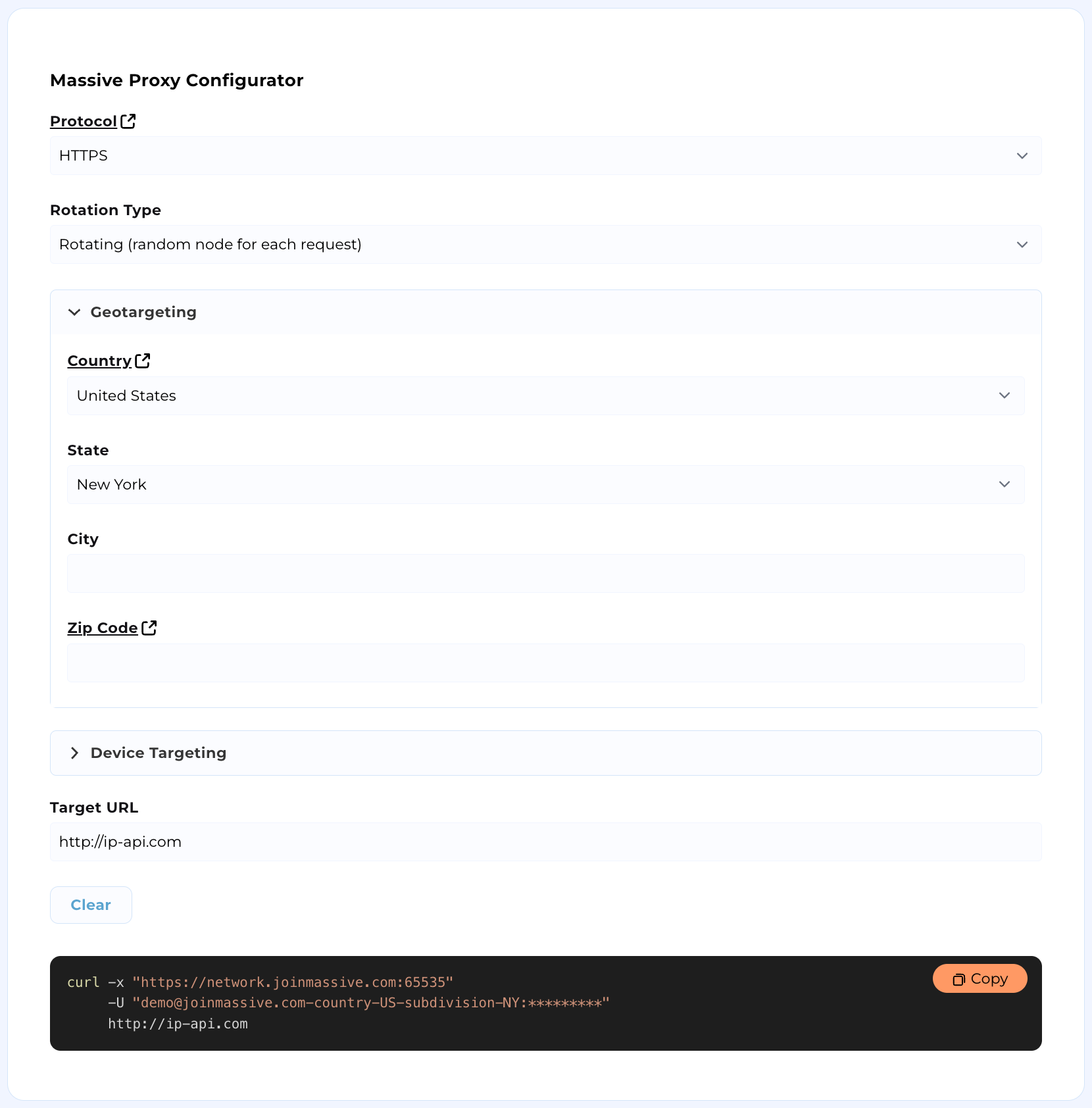 To generate your requests manually, continue following our documentation.
## Configure your environment
Make sure your credentials work and that you use the correct port configuration.
| | |
| :---------: | :--------------: |
| Username | `PROXY_USERNAME` |
| API Key | `API_KEY` |
| HTTPS Port | 65535 |
| HTTP Port | 65534 |
| SOCKS5 Port | 65533 |
## Check credentials
Make sure your API key works with this simple shell script.
**Attention:** If your credentials do not appear below, they may not be provisioned. Sign up for an account or email [support@joinmassive.com](support@joinmassive.com).
```bash theme={null}
curl --proxy https://network.joinmassive.com:65535 --proxy-user 'PROXY_USERNAME:API_KEY' https://cloudflare.com/cdn-cgi/trace
```
To generate your requests manually, continue following our documentation.
## Configure your environment
Make sure your credentials work and that you use the correct port configuration.
| | |
| :---------: | :--------------: |
| Username | `PROXY_USERNAME` |
| API Key | `API_KEY` |
| HTTPS Port | 65535 |
| HTTP Port | 65534 |
| SOCKS5 Port | 65533 |
## Check credentials
Make sure your API key works with this simple shell script.
**Attention:** If your credentials do not appear below, they may not be provisioned. Sign up for an account or email [support@joinmassive.com](support@joinmassive.com).
```bash theme={null}
curl --proxy https://network.joinmassive.com:65535 --proxy-user 'PROXY_USERNAME:API_KEY' https://cloudflare.com/cdn-cgi/trace
```